
Invite expiration allows you to set the length of time you would allow a candidate to complete their interview before it expires
To set up candidates invite expiration follow the steps below:
NOTE: If you do not see this option, you do not have the permissions to do so. Please contact your admin or service@qualifi.hr for assistance.
- To start, click Settings on the bottom left side of your dashboard.
- Click System Settings and into the Candidate Invite Expiration tab.
- Here, you can set interview links to expire up to 7 days after the initial invitation was sent.
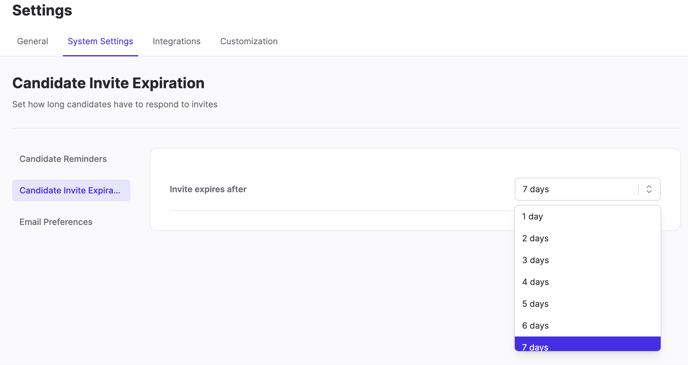
- Once a selection is clicked, you will see an immediate notification in the upper right corner that the expiration was updated.
If you have any questions or need assistance, please email service@qualifi.hr