
When sharing an interview with a teammate, you are able to select which question responses you would like share.
NOTE: Questions are defaulted to be selected. Once a question is unselected, it will be hidden from teammates who receive the shared interview.
To select which responses you would like visible when shared with teammates follow the steps below:
- Log in to your Qualifi account.
- Click the Interviews tab on the left side of your dashboard.
- Click on the interview you'd like to share.
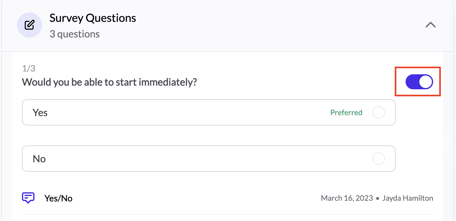
- Each question tile has a toggle on the right end (selected)
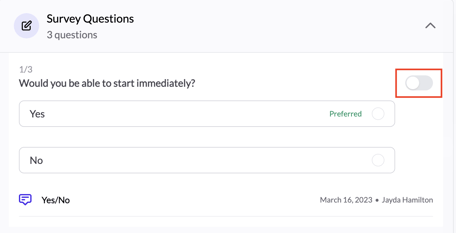
- Click the toggle to unselect the question (unselected)
- These changes are automatically saved!
If you have any questions or need assistance, please email service@qualifi.hr.