
This article goes over how to change your Qualifi account password
If you've forgotten or would like to reset your password follow the steps below:
- To reset your password you can:
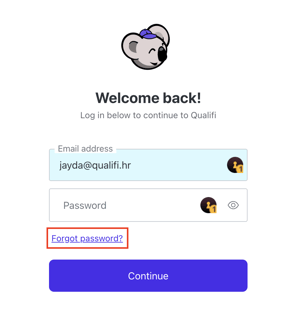
- On the login screen, click Forgot Password?
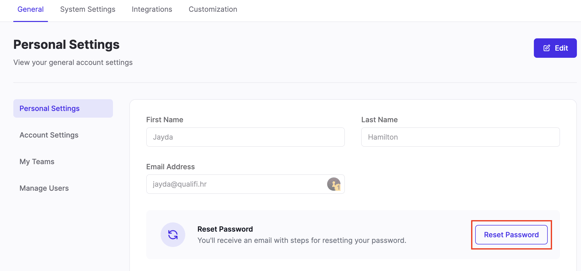
- In the settings of your account, in the Personal Settings tab, click Reset Password.
- On the login screen, click Forgot Password?
- On the next page enter your email, for instruction on how to reset your password, and click Continue.
- In the email sent to your inbox, click Reset Password.
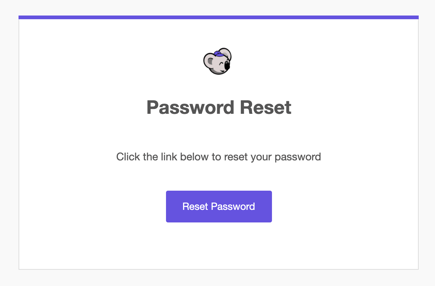
- There you'll be prompted to enter your new password twice and click Reset Password.
If you have any questions or need assistance, please email service@qualifi.hr.