
This article will explain how to turn or replay or retry during interviews.
To give candidates an opportunity to retry or replay their questions during their interview follow the steps below:
- Log in to your Qualifi account.
- Click Settings on the bottom left corner of your dashboard.
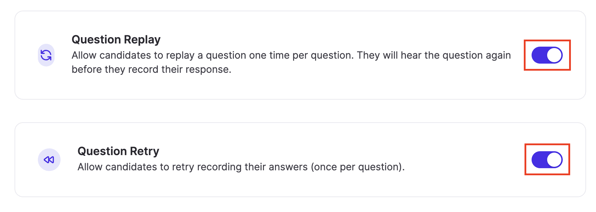
- In the Account Settings tab, click the toggle next to Question Replay or Question Retry to turn them on during interviews.
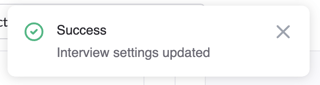
- A pop up should appear on the top right corner of your screen indicating that your interview details have been successfully updated.
NOTE: If you do not see this option, you do not have the permissions to do so. Please contact your admin or service@qualifi.hr for assistance.
If you have any questions or need assistance, please email service@qualifi.hr.