Turning on web interviews gives your candidates more options when taking their interview. These interviews will take place over the browser rather than over the phone.
To turn on web interviews follow the steps below:
- Log in to your Qualifi account.
- Click Settings on the bottom left side of your dashboard.
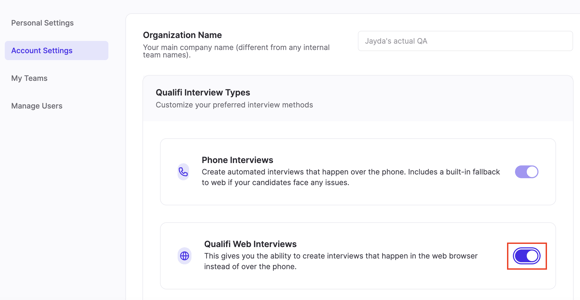
- In the Account Settings tab, click the toggle next to Qualifi Web Interviews.
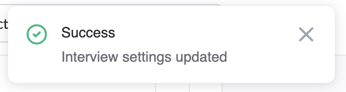
- Once turned on your interview settings will automatically be updated and a pop up should appear on the top right on your dashboard.