
- Humanly Help Center
- Settings
- General
How to Archive a Team
Follow the steps below to archive an active Team:
- Log in to your Qualifi account.
- Click Settings on the bottom left side of your dashboard.
- Under the General tab click My Teams.
- Click the three dots next to the team you would life to archive. Click Archive Team.
- A pop-up will appear, warning that once a team is archived it cannot be undone.
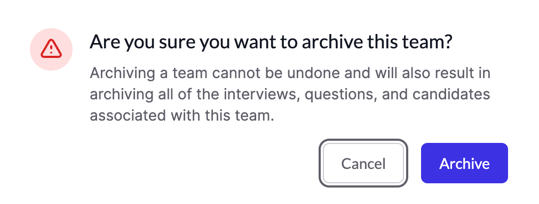
- Once sure, click Archive.
If you have any questions or need assistance, please email service@qualifi.hr