
Teams allow you to control which Users have access to certain Interviews within Qualifi
To create a new Team follow the steps below:
NOTE: If you do not see this option, you do not have the permissions to do so. Please contact your admin or service@qualifi.hr for assistance.
- On the top right corner of your Dashboard click the drop-down of your Team. Or go to "My Teams" in your Settings
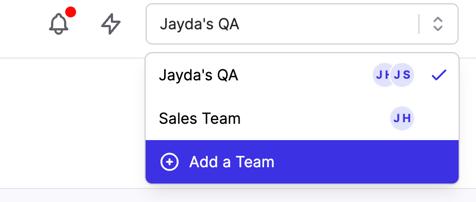
- Or go to "My Teams" in your Settings.
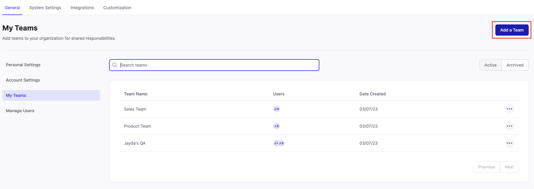
- Click Add a Team.
- Create a name for your Team and add the Users that belong to that Team.
- Click Add Team.
If you have any questions or need assistance, please email service@qualifi.hr.