
When creating Interviews, you always have the ability to go back and edit all details of each interview.
To begin editing an interview follow the steps below:
- Log in to your Qualifi account.
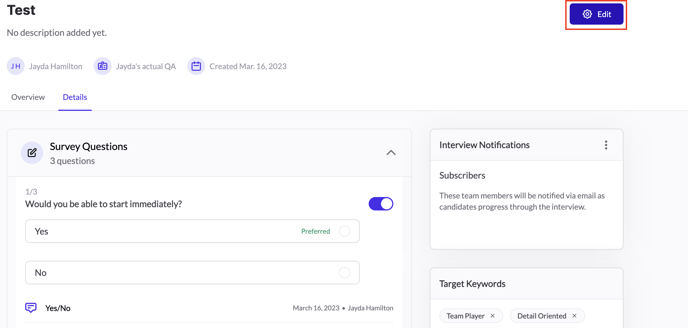
- Click on Interviews on the left side of your dashboard and click on the title of the interview you want to edit.
- You can review all details of the interview on this page and;
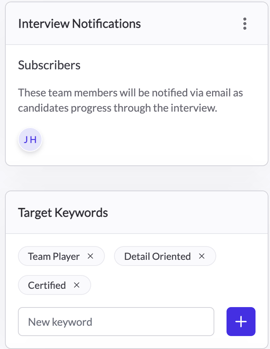
- Add subscribers, which will determine who gets notified on any activity for this interview.
- Add and remove target keywords
- To edit the rest of your interview, click the purple Edit button on the top right.
- When editing, you can:
- Edit the interview title
- Upload a job description
- Change the messaging group
- Add, remove, and rearrange interview questions
- Once finished, click Save on the bottom right.
If you have any questions or need assistance, please email service@qualifi.hr.