
This articles goes over the different ways you can invite a candidate to complete a Qualifi interview.
Once you have your questions recorded and interviews created, you are ready to begin inviting candidates. Follow the steps below to start inviting candidates:
- Log in to Qualifi and be sure you are on the Team where you want the candidates to live.
- In your dashboard or Candidates tab, click the purple Invite Candidates button on the top right corner of your screen.
- A pop up will appear where you can select the Interview you are inviting the candidate(s) to complete.
- Enter up to 500 Candidate's name and contact information.
- You can type each Candidate individually or;
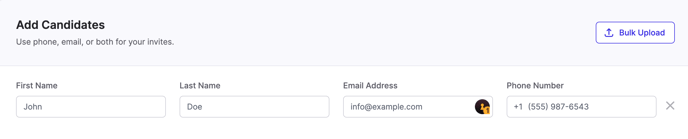
- You can Bulk Upload.
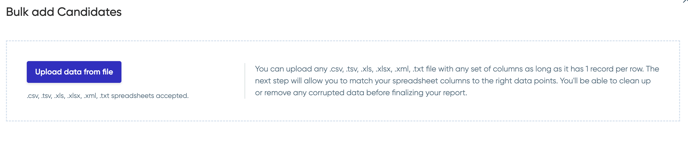
- You can type each Candidate individually or;
- Once all of your Candidates have been added, click Send # Invite(s).
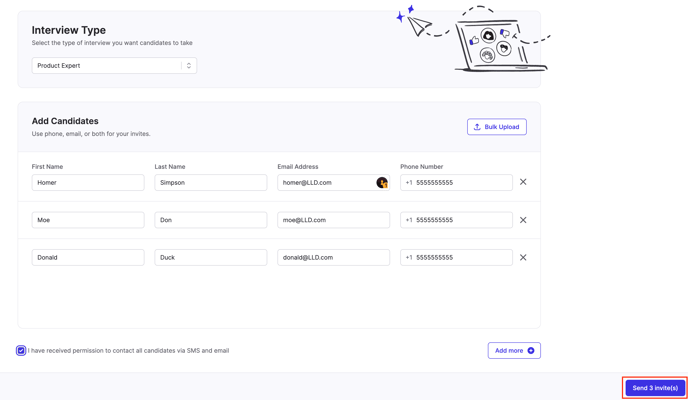
- After sending the invitations, you'll be able to view the status of those Candidates in the Candidates under Invited.
NOTE: Be sure to check your Filters if you don't see a Candidate.
If you have any questions or need assistance, please email service@qualifi.hr.