
By linking a Meeting to an Interview, you can streamline your candidate review process and expedite scheduling for future meetings. This article will explain how to link and unlink a Meeting to an Interview.
To link a Meeting to an Interview follow the steps below:
- Log in to your Qualifi account.
- Click Interviews on the left side of your dashboard.
- Click on the Interview you'd like to link a Meeting to.
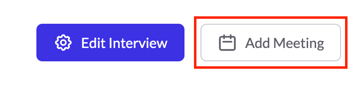
- Click Add Meeting on the top right corner.
- Search the Meeting you would like to link to this interview, click Select
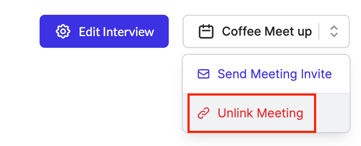
- Once linked, you may always unlink the meeting from the Interview. Click the drop down from the linked Meeting and click Unlink Meeting.
- A pop-up will appear asking if you're sure, if you are, click Unlink Meeting.