
To unlink your Calendar follow the steps below:
- Log in to your Qualifi account.
- Click Setting on the bottom left side of your dashboard.
- Click Integrations.
- In the Calendar tab click the three buttons next to your email and click Unlink Calendar.
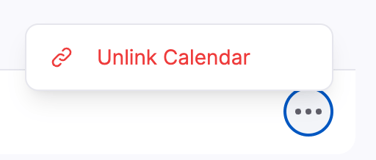
- A pop-up will appear asking if you're sure, if you are, click Unlink Calendar.
- Once unlinked, a Success pop up will show up in the top right.
NOTE: If your Meeting is attached to an Active Meeting you will not be able to Unlink your Calendar. You will need to Archive any Meetings with you calendar linked to unlink your calendar from the account.
If you have any other questions or need assistance, please email service@qualifi.hr