
Subscribing to an interview allows you to be notified of candidate progress
When a User creates an Interview they will automatically be subscribed to receive notifications from candidates completing that interview. However, if you are inviting candidates to an interview you did not create and would like to be notified of those candidate's progress you must subscribe yourself.
To subscribe to an interview follow the steps below:
- Log in to your Qualifi account.
- Click Interviews on the left side of your dashboard.
- Select the interview you would like to subscribe to.
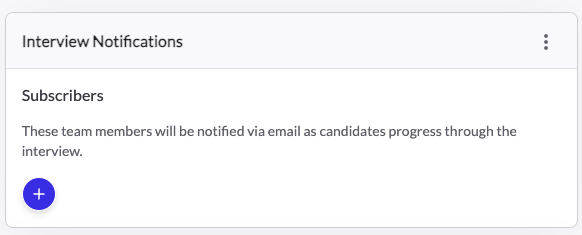
- In the "Interview Notifications" section click the plus sign.
- Search and click your name.
- On the top right hand corner a "Success" pop-up should appear to indicate you've successfully been subscribed to the interview.
If you have any other questions or need assistance, please email service@qualifi.hr