
To upload a Profile Photo follow the steps below:
- Log in to your Qualifi account.
- Click Settings on the bottom left side of your dashboard.
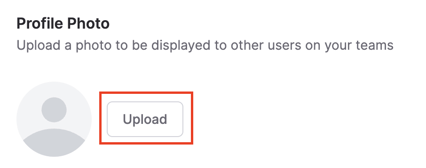
- In the Personal Settings tab, next to Profile Photo, click Upload to select an image file from your computer.
- Once a file is selected, you can review what it looks like and click Save.
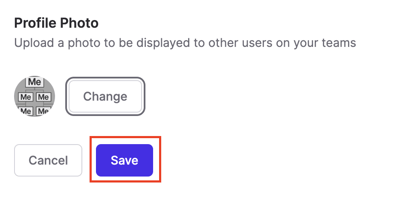
NOTE: After you click save, you'll always be able to change the image if needed.
If you have any questions or need assistance, please email service@qualifi.hr