
Using keywords can help you recognize a high quality candidate at a glance.
NOTE: Target Keywords are only available for Premium subscribers. If you do not see this option, please contact your admin or service@qualifi.hr for assistance.
Adding Keywords to an Interview
Follow these steps to add Target Keywords to an Interview:
There are two ways you can add Target Keywords to a specific Interview.
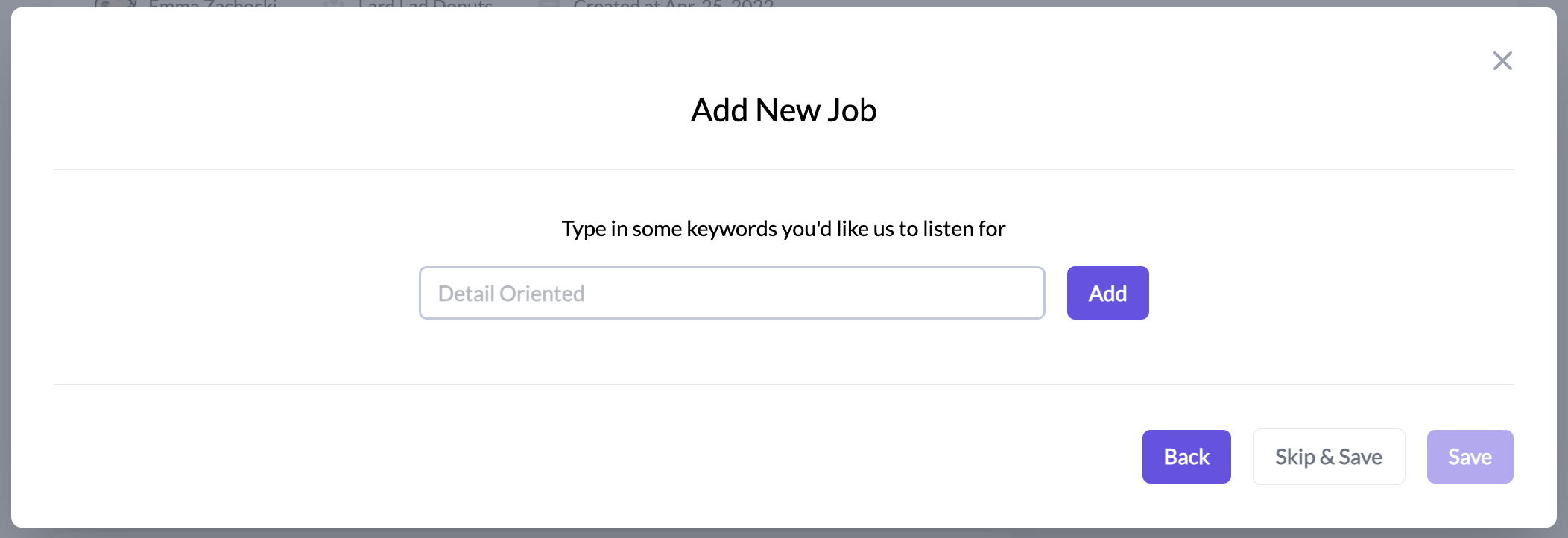
- When creating a new Interview, the final step allows you to add each keyword.
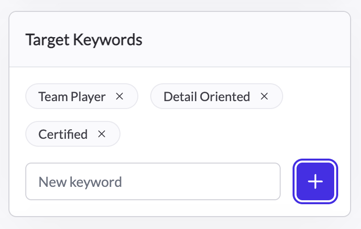
- Or you can add keywords when editing an Interview.
Reviewing a Candidate's Identified Keywords
When reviewing a candidate, you'll see a star with a number on the candidate record indicating how many keywords this candidate mentioned.

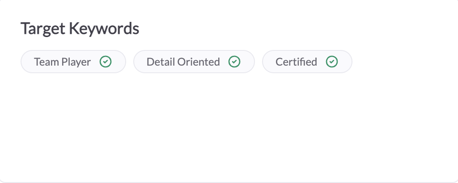
In the specific candidate interview, there will be a box displaying the Interview's target keywords and a green check mark next to every keyword used in the interview.
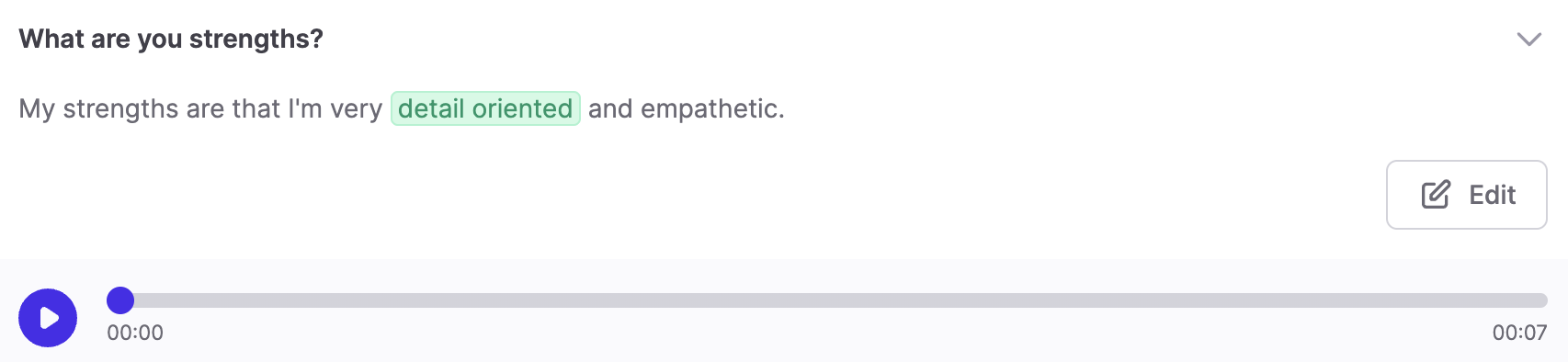
When reviewing the transcription, keywords will be highlighted indicating which keywords the candidate used.
If you have any questions or need assistance, please email service@qualifi.hr.