
Teams can be used to better fit your organization's processes
When signing up for Qualifi, your company is the first and default Team within the system and will be shown on the top right once you're logged in.

You can choose to work exclusively in this one and only team or you can use teams to dissect Qualifi into smaller parts. For example, teams can be used for:
- Roles
- Locations
- Projects
- Clients
- Anything else!
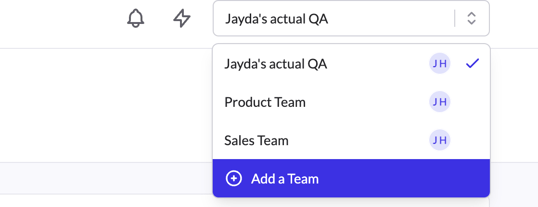
You can Add a Team directly from the dropdown in the top toolbar or you can manage Teams from your settings. For further information on teams, see How to Create a New Team.
If you have any questions or need assistance, please email service@qualifi.hr.