
Adding a new User allows you to share access to Qualifi with others in your organization.
Follow the steps below to add a new user:
- Log in to your Qualifi account
- On the bottom left-hand side of your dashboard, click Settings.
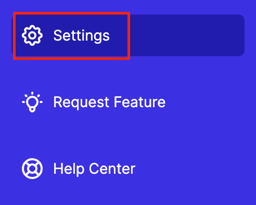
- In the General tab, click Manage Users.
- On the top right corner of your screen, click Add User.
- Fill in the appropriate information, including which Teams this User can view, and select the Teammate's Permissions.
- Click Send Invite and your teammate will receive an email invitation.
Note: If you do not see this option, you do not have the permissions to do so. Please contact your admin or service@qualifi.hr for assistance.
If you have any questions or need assistance, please email service@qualifi.hr